RecipeFinder
Save any recipe. Cook it beautifully.
On TestFlight for iPhone & iPad · App Store release coming soon
How it works
-
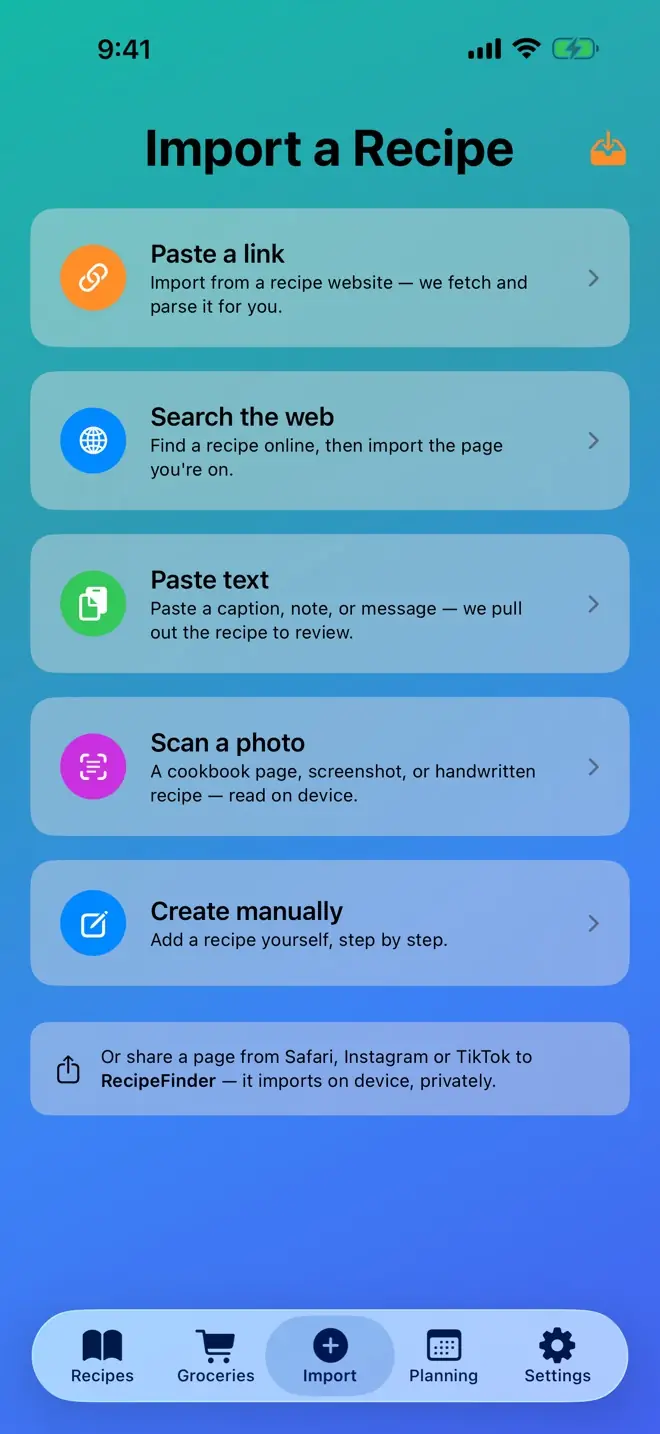
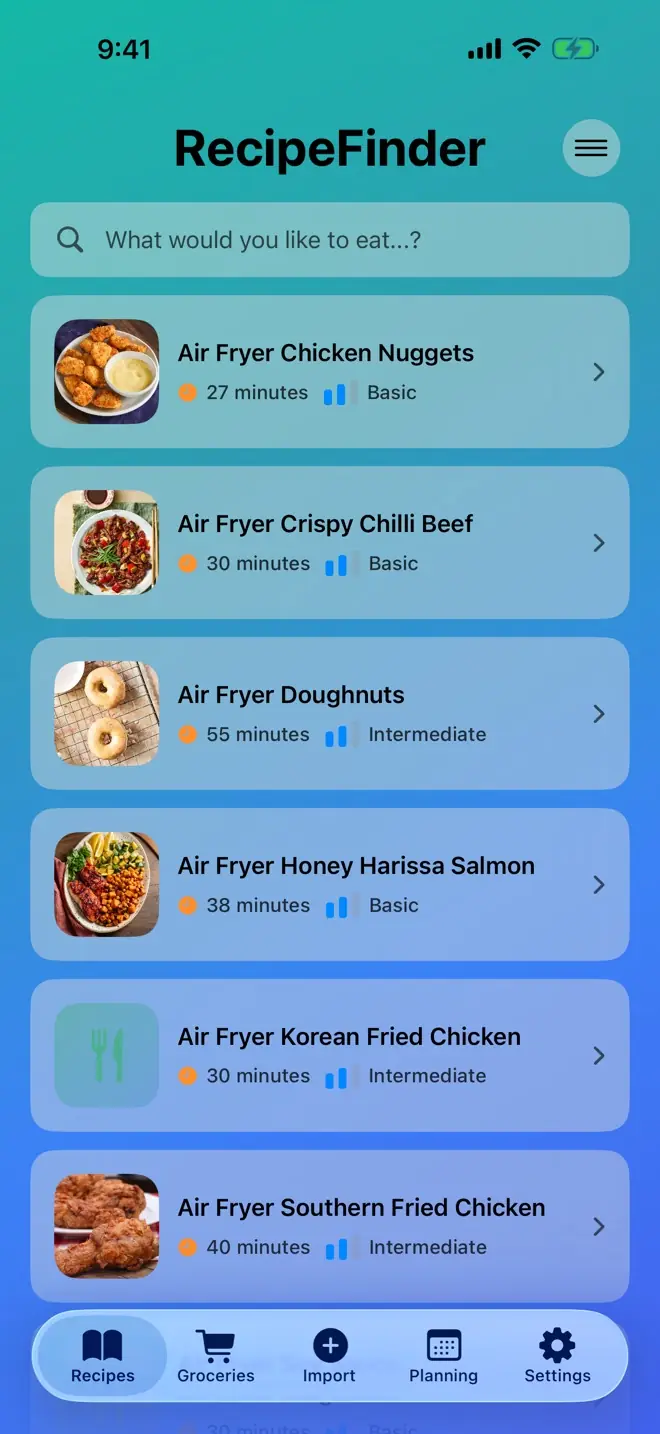
Save from anywhere
Paste a link, snap a photo, open a PDF, search the web or share from any app.
-
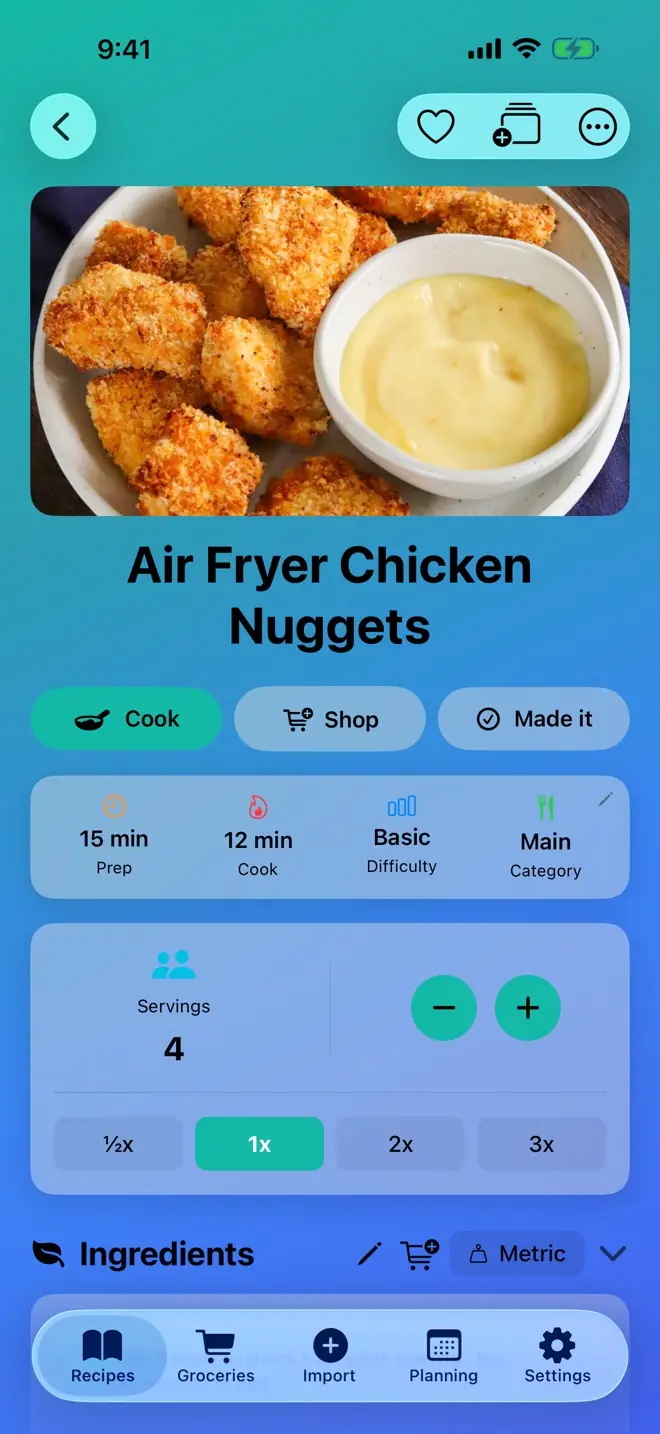
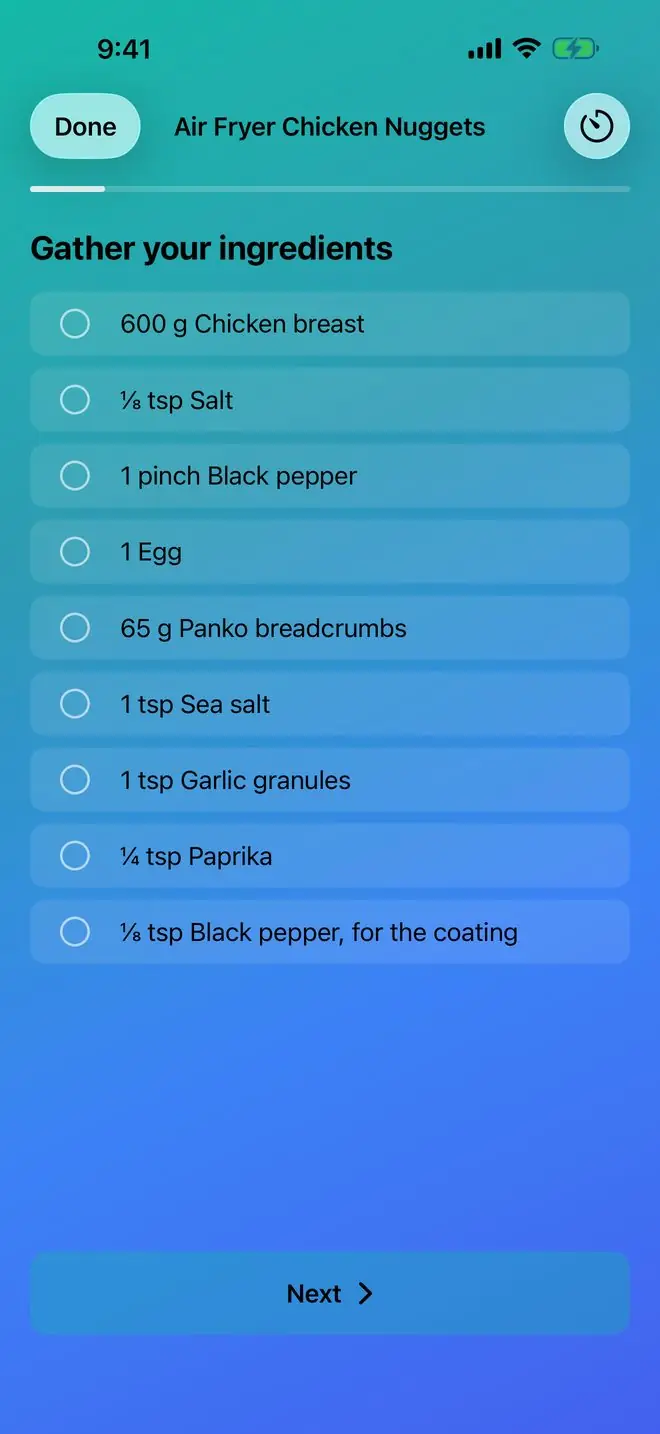
Cook step by step
Big, clear steps with timers, scaled to the servings you need.
-
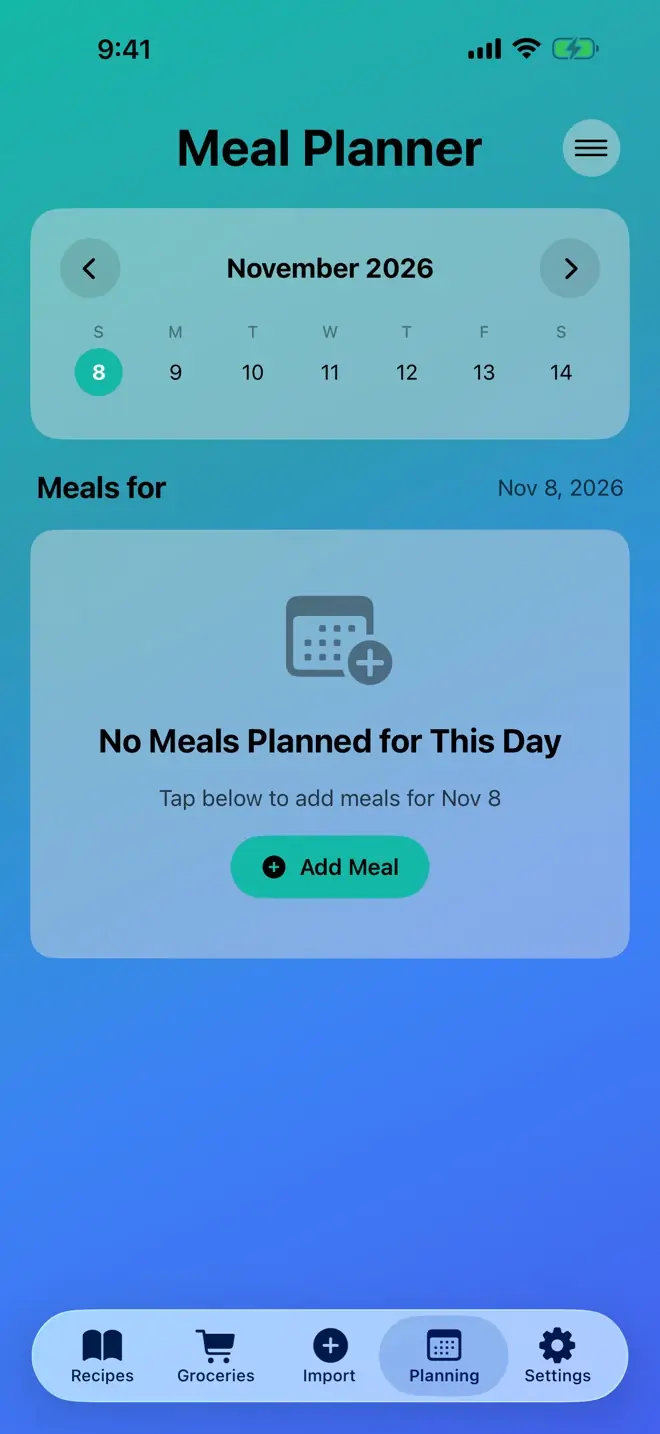
Plan & shop
Plan your week and turn it into a shopping list sorted by aisle and store.
A week with RecipeFinder
-
Sun
Save from a link
Spot a recipe you love? Paste the link and it lands in your library, ready to cook.
-
Mon
Plan the week
Pick a recipe for each night in the meal planner and see the whole week at a glance.
-
Tue
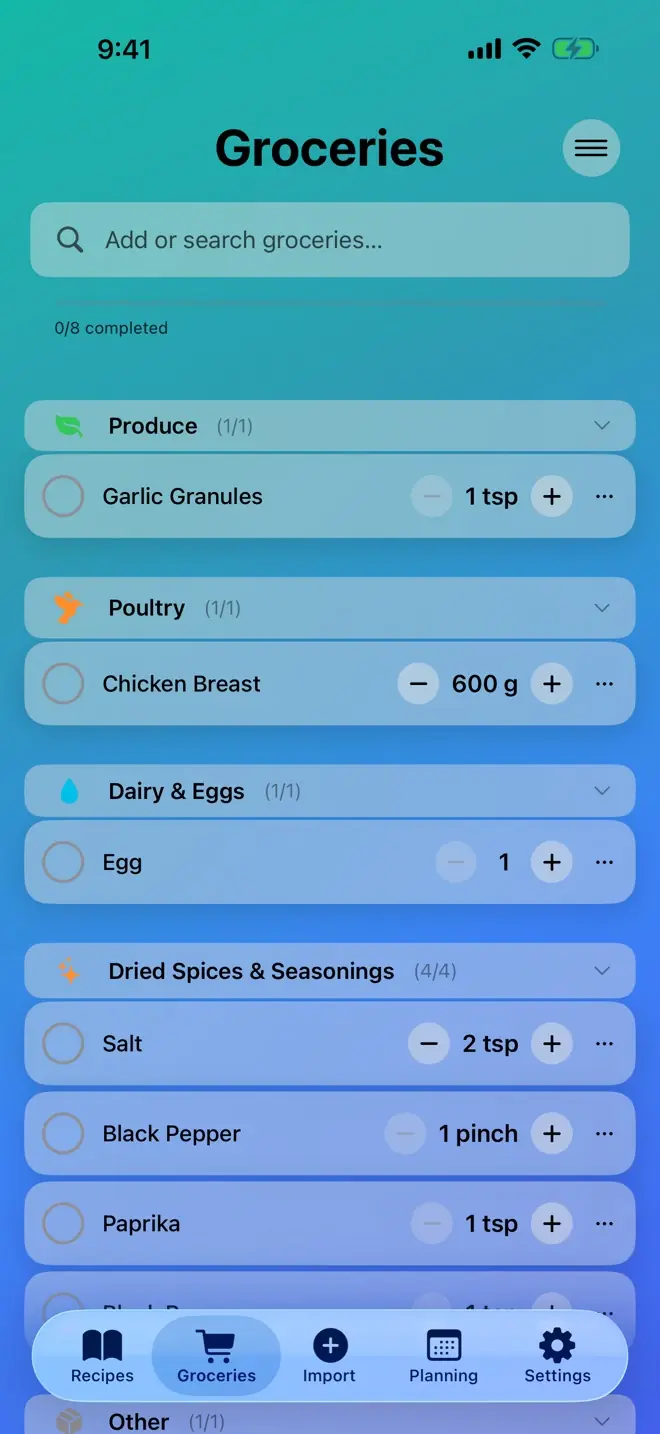
Shop by store
Send the plan to your shopping list, sorted by aisle so the shop goes quickly.
-
Wed
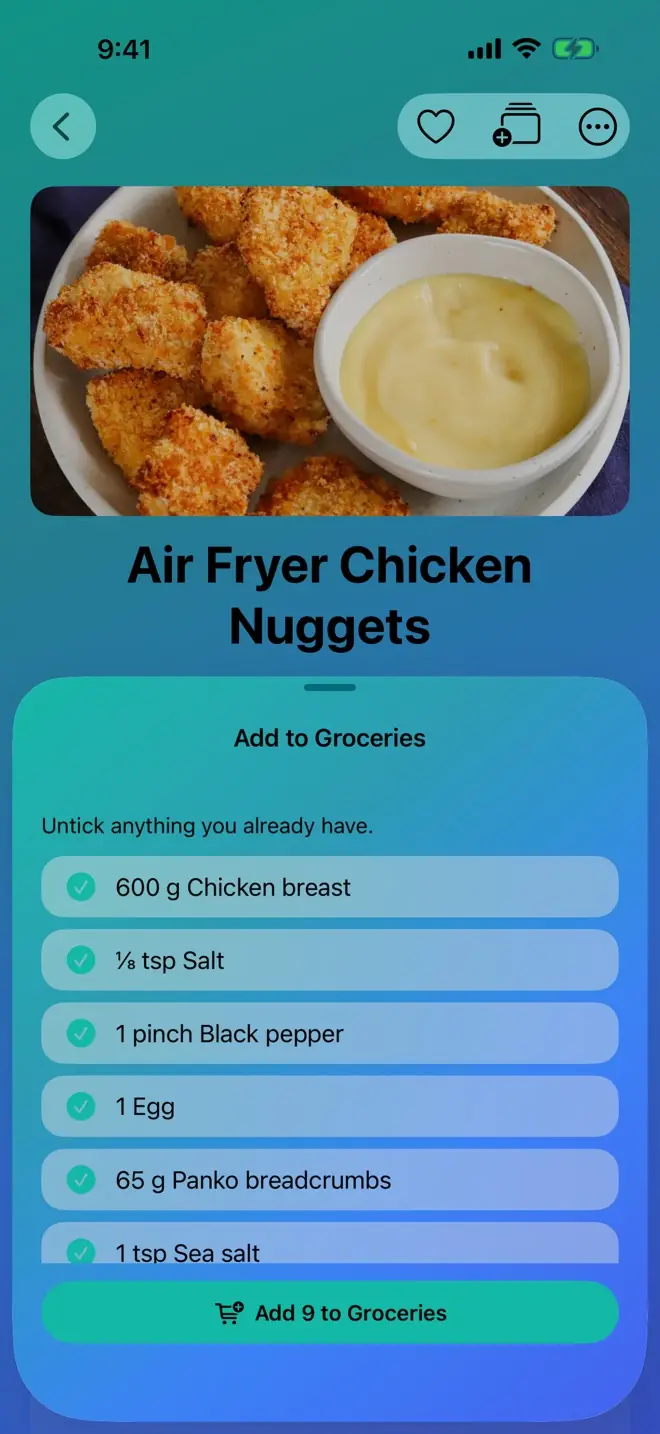
Use what you have
Adding a recipe to groceries? Untick anything already in the cupboard.
-
Thu
Cook in cooking mode
Big, clear steps and timers keep you on track while your hands are busy.
-
Fri
Tap “Made it”
Rate it, add a photo and watch your cook count, streak and badges grow.
-
Sat
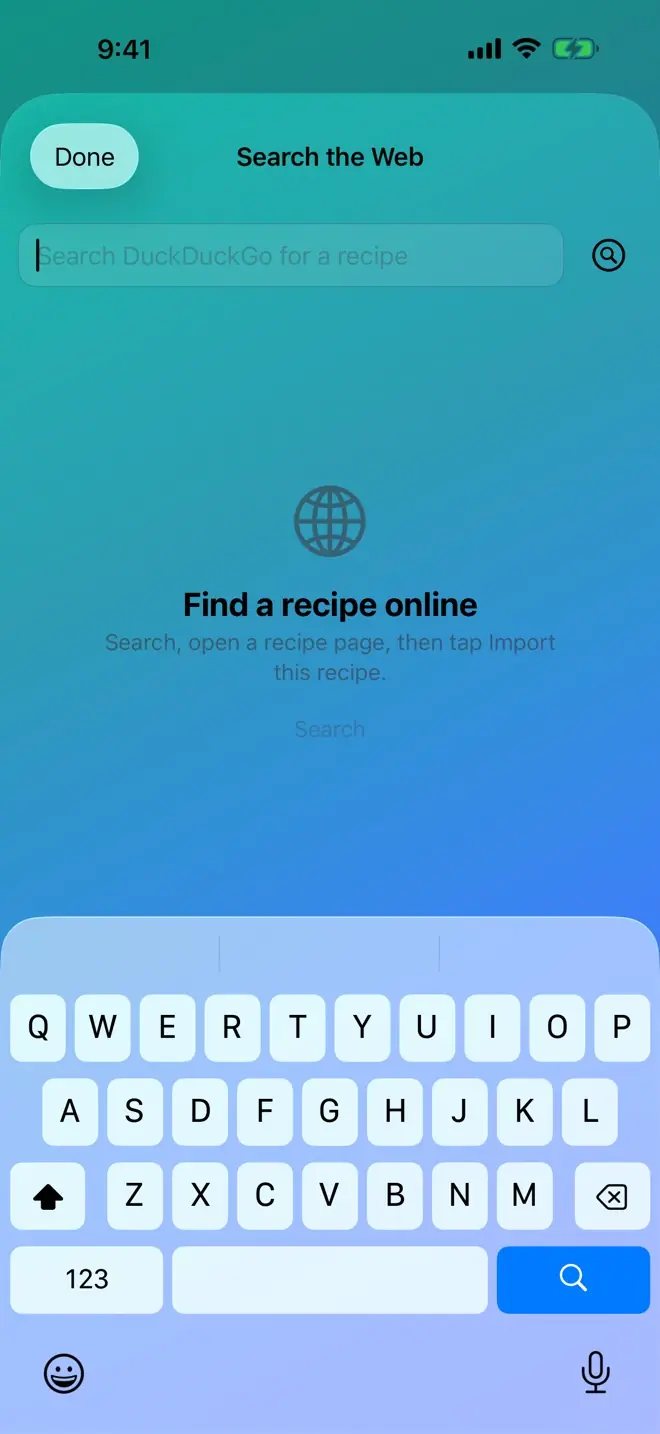
Find something new
Search the web for tomorrow’s idea and save the one that catches your eye.
Everything in the app
Save
- Import from anywhere — links, photos, PDFs, pasted text and the share sheet
- Search the web and save a recipe in one tap
- Bring your library from Paprika, Mela or a CSV file
- Smart amounts fill in missing ingredient amounts for you to review
Cook
- Cooking mode — big, clear steps with timers
- Scale any recipe to the servings you need, in metric or imperial
- Made it — ratings, photos, cook counts, streaks and badges
- Siri & Shortcuts — “What’s for dinner?”, hands-free
Plan & shop
- Meal planning — plan your week and send it to your list
- Shopping list sorted by aisle and by store, shareable in a tap
- Add to groceries from any recipe and untick what you already have
- Kitchen pantry with expiry alerts and use-it-up ideas
Organise
- Smart search by diet, time, difficulty — or what you can make now
- Collections — your own folders plus smart ones that fill themselves
- Backup & restore your whole library to a file you own
- Eight themes in light and dark to make it yours
- Private by design — your recipes live on your device and work offline
Questions, answered
Is it free?
Yes. RecipeFinder is free to download, and you can save as many recipes as you like.
Does it work on iPhone and iPad?
Yes, RecipeFinder runs on both iPhone and iPad, with layouts made for each screen.
Can I bring my recipes from Paprika, Mela or a spreadsheet?
Yes. Export from Paprika or Mela, or save a CSV file, then open Settings → Data Management → Import from Another App. Your recipes come across with their photos, and anything already in your library is skipped.
Where are my recipes kept?
On your device. Your recipes, meal plans and shopping lists stay with you, and you can save a full backup to a file you own whenever you like. Read more in the Privacy Policy.
Does it work offline?
Yes. Your library, meal plan, shopping list and cooking mode all work without a connection. Saving a recipe from a link or searching the web uses the internet while you do it.
How do I get it? Is there a beta?
Yes — the public beta is open. Install Apple’s free TestFlight app, then join the RecipeFinder beta on your iPhone or iPad. The App Store release is coming soon: leave your email and we’ll tell you the day it lands.
Get notified when it lands on the App Store
Leave your email and we’ll send you a note on launch day.